Short written guide:
-Download: I9300_x.x.zip, slim common.zip
-Enter cwm
-Full wipe
-Format /system in mounts and storage
-Flash I9300_x.x.zip
-Slim_common.zip
-Reboot
WARNING:
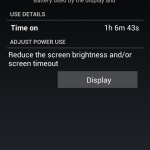
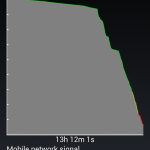
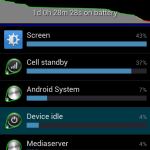
I had to flash away from the rom, as the battery life was shockingly bad – more so, when recharging the device, the S3 got extremely hot, and didn’t take the proper charge. I couldn’t risk having a burnt SGS3, so I flashed off it within a day of use.
Here is a written guide:
How to get into:
Download mode: Down + Home + Power keys
CWM Recovery: Up + Home + Power keys
-Download samsung drivers for the S3, via Kies for example
-Download firmware, relevant to you
-Un-Zip firmware and ODIN files -> you will get 2 folders
-Backup anything important, like SMS, contacts, apps etc, and save them to your PC
-Get Triangle Away app
-Use Triangle Away app to get into warning/download mode
-Let Triangle Away reset counter & reboot phone
-After reboot, switch off phone
-Get into download mode, and check if it has successfully reset the counter
-From download mode, go straight into recovery (don’t worry, the phone isn’t downloading anything, and you won’t damage it)
-Wipe data/factory reset, wipe cache, wipe dalvik
-Go into download mode
-Launch Odin, and setup stock rom MD5 file in PDA (do not touch anything else)
-Plug phone in
-Hit start & patiently wait for it to finish
-After phone has booted and you have fully booted up, unplug wire
-Check phone version is correct to what you flashed – in dialler type: *#1234#
-Get you IMEI number (keep this number confidential) by typing in dialler: *#06# – write this number on a piece of paper
-Get into CSC chooser & installer by typing in dialler: *#272*IMEINumber#
->If the CSC is wrong, or not right to your relevant region – Go here and get the right one for you
–>Install relevant CSC if it is wrong
-Wipe INTERNAL SD card, by factory resetting in settings, on your phone.
-Let phone reset, and reboot
-(optional) plug into Kies and let Kies upgrade your phone to the latest firmware
-Turn off phone and get into download mode
-Make sure you have no flash counter registered
-Reboot phone using power key
-Send into Samsung, sell and do as you wish on your “never flashed”, still valid for warranty Samsung Galaxy S III 🙂
On another note, you might be interested to know that, when on a custom ROM, and flashing another custom ROM via CWM, after using triangle away to reset the counter, your counter will not be increased.
For more information, watch this video:
Hope you enjoyed this extensive guide!
–TotallydubbedHD
Short written guide:
-Have your phone rooted, and CWM installed – Click here – for a guide on that
-Download ROM: You either download it via t-Torrent (an app on the phone itself) or via utorrent etc on the PC. Alternatively, you can wait for over 2hrs on a slow mirror, on the PC…So my suggestion is getting an app on the phone, and downloading it via your phone, to your phone – as downloading it off the hosts/mirrors, takes forever as it’s super slow (capped at 150kbs).
-Put .zip file of the ROM into your internal SD card
-Turn off phone
-Get into recovery
-Wipe data/factory reset
-Wipe Cache
-Wipe Dalvik Cache
-Choose to flash using internal sd card
-Flash
-Go through the setup using AROMA installer, choosing which installation suits you best
-Wait for boot
-Enjoy!
Hope you enjoyed the short guide!
–TotallydubbedHD
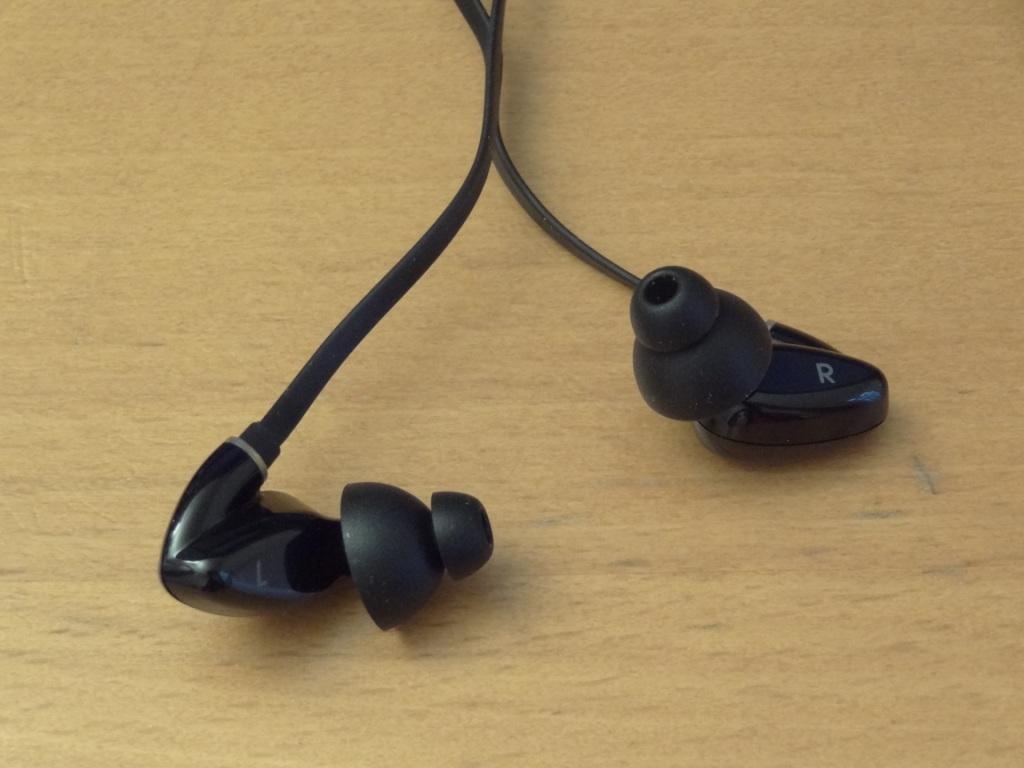
First and foremost, I would like to thank Katie at TDK, for sending me the TDK BA200’s for review!
The TDK BA200’s are earphones that haven’t really “taken off” so to speak, and I hope through this review, I can bring it to your attention, that the TDK BA200’s are an absolutely marvellous set of earphones, that one simply must hear, especially at their extremely cheap price.
I bought the case and screen protectors (6-in-1) for a combined price of £7.50 (prices may fluctuate)
–Link to Amazon, to the Terrapin 6-in-1 screen protectors
–Link to Amazon, to the case from the Qubits range (with screen protectors)
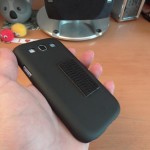
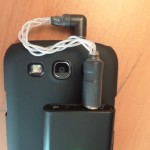
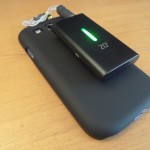
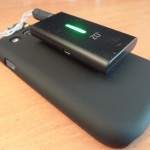
The space in-between the case and the Digizoid ZO2, is a 3M Dual Lock SJ3540.
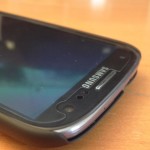
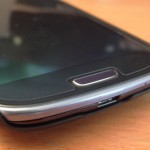
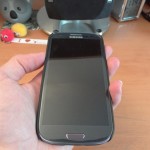
Here are pictures of the screen protector and the case: (Click on the pictures to enlarge them)